← All tutorials 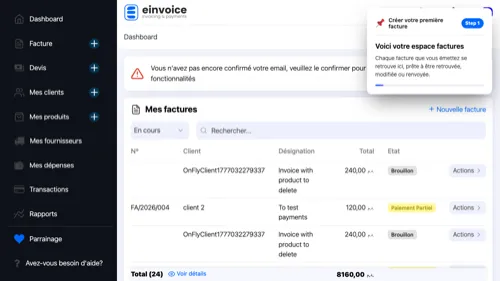 1
1 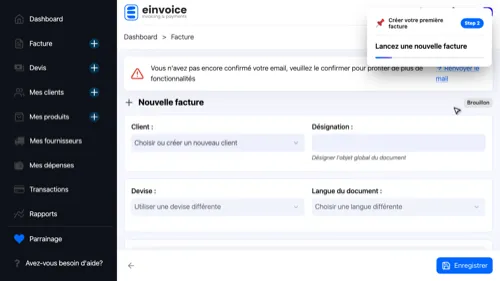 2
2 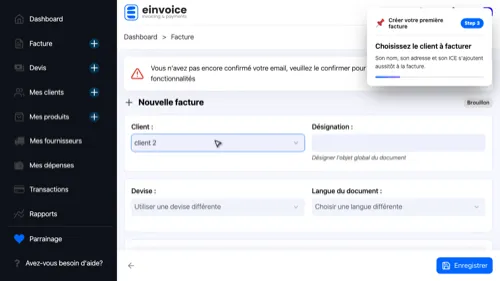 3
3 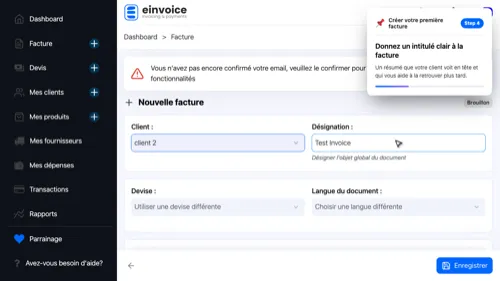 4
4 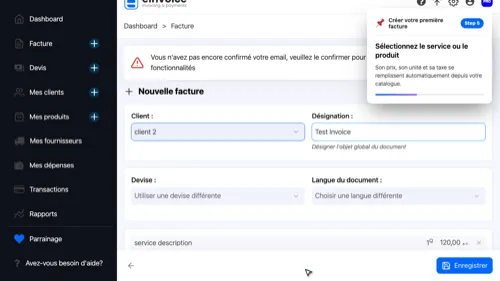 5
5 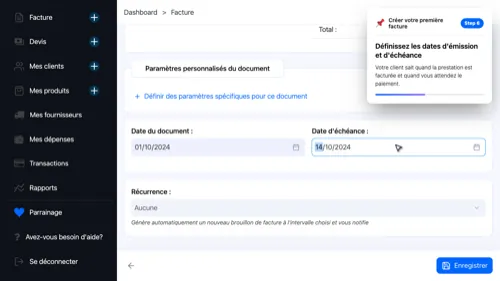 6
6 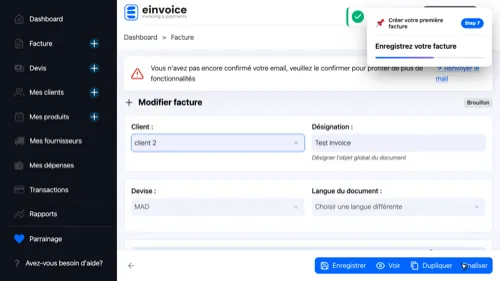 7
7 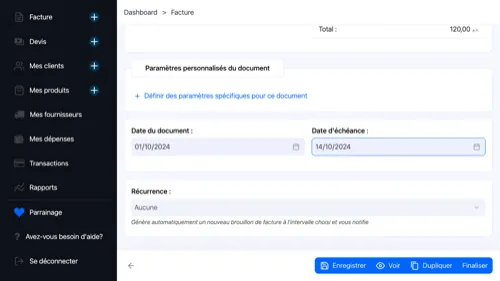 8
8 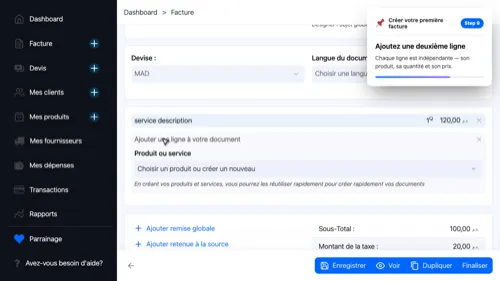 9
9 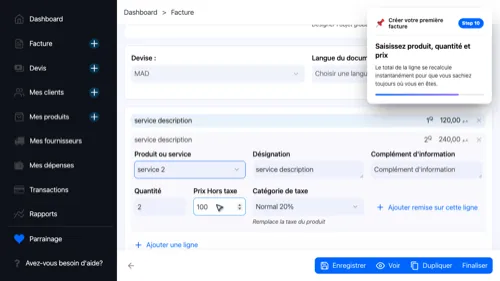 10
10 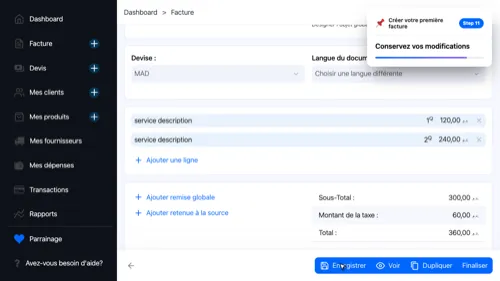 11
11 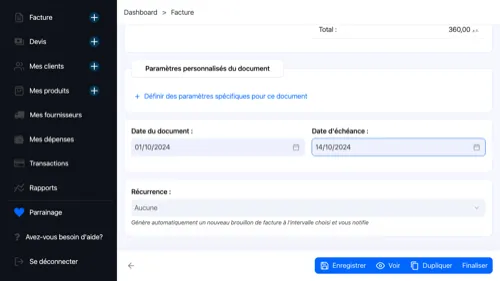 12
12  13
13
Create an invoice
Bill your client in under two minutes — pick them, describe the work, and send a clean, professional document.
- Your Invoice Desk — All your invoices are here — find, edit or resend them at any time.
- Start a new invoice
- Who You Bill — Their name, address and ICE fill in automatically.
- What It Is About — It appears at the top of the document and makes the invoice easy to find later.
- What You Delivered — Price, unit and tax are pulled in automatically from your catalog.
- Issue and Due Dates — The invoice date and the payment deadline.
- Save your invoice
- Everything Is There — Client, subject, product and dates are all saved.
- Add Another Line — Each line stands on its own — product, quantity and price.
- Fill the Line — Each line is independent with its own product, quantity and price.
- Keep your changes
- Your Invoice Total — All lines add up to form the invoice total.
- PDF Preview — Check the document before sending it.
1 2 3 4 5 6 7 8 9 10 11 12 13