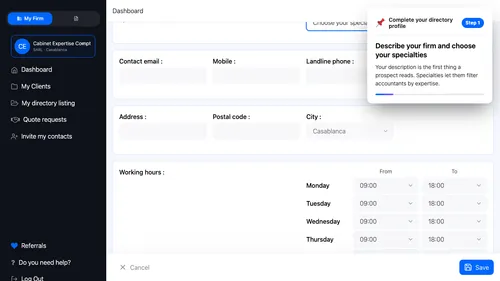
1 Presentation and specialties Describe your firm and choose your specialties. Your description is the first thing a prospect reads. Specialties let them filter accountants by expertise. ▾ ▶ 0:11
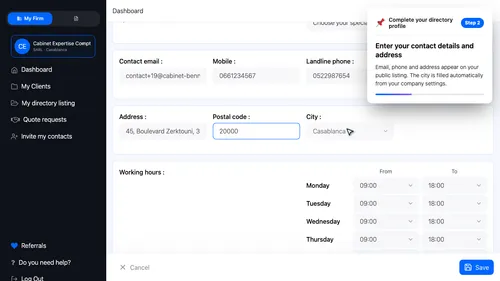
2 Contact details and address Enter your contact details and address. Email, phone and address appear on your public listing. The city is filled automatically from your company settings. ▾ ▶ 0:46
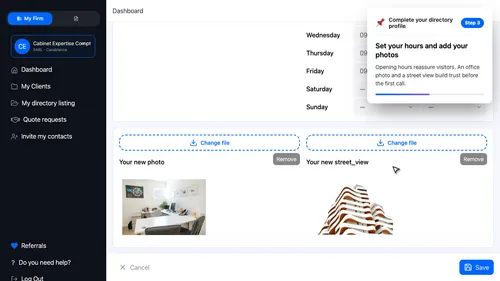
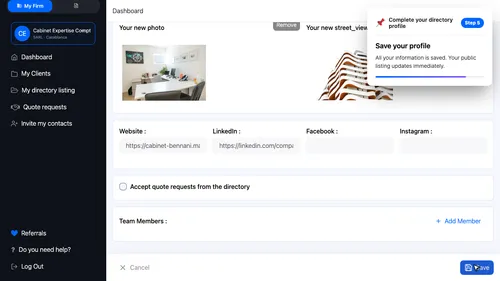
3 Hours and photos Set your hours and add your photos. Opening hours reassure visitors. An office photo and a street view build trust before the first call. ▾ ▶ 1:15
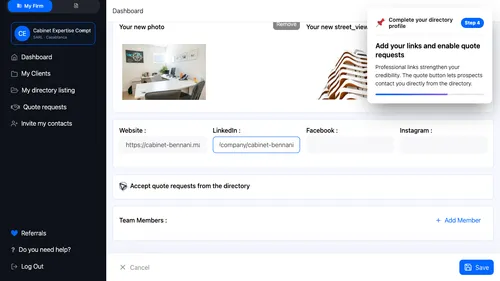
4 Online presence and quotes Add your links and enable quote requests. Professional links strengthen your credibility. The quote button lets prospects contact you directly from the directory. ▾ ▶ 1:49
5 Save and publish Save your profile. All your information is saved. Your public listing updates immediately. ▾ ▶ 2:06
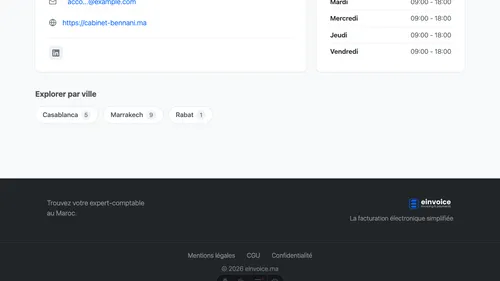
6 Your listing as prospects see it Here is your profile as it appears in the directory. This is exactly what businesses see when they search for you. Description, contact details, hours, photos — it is all there. ▾ ▶ 2:14