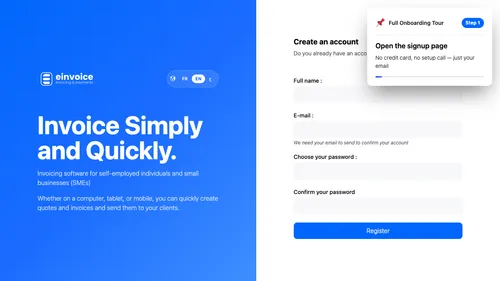
1 Start Your Account Here is the sign-up page. Your account is created in seconds — no credit card, no commitment. ▾ ▶ 0:11
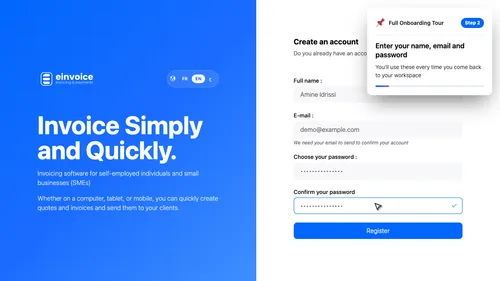
2 Your Credentials Enter your name, email and a password. Three fields and your account is ready. ▾ ▶ 0:18
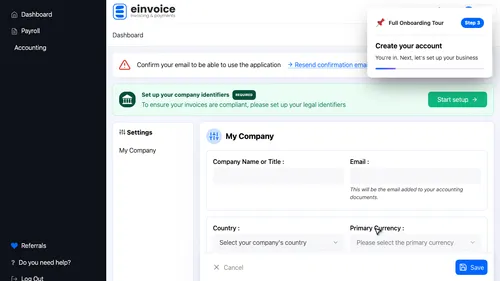
3 Create the Account Click Create your account. You're taken straight to your company setup. ▾ ▶ 0:32
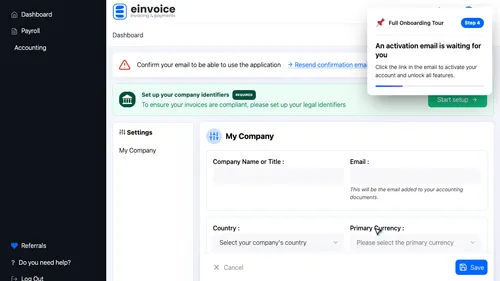
4 Check Your Inbox A confirmation email was just sent to your address. Click the link to activate your account before continuing. ▾ ▶ 0:52
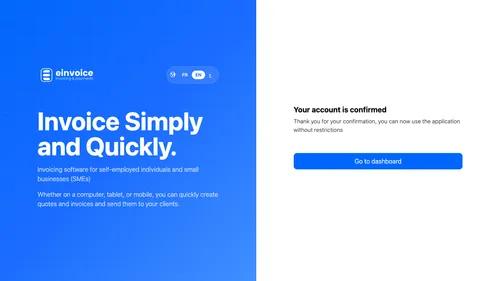
5 Activate Your Account Here is your confirmation email. Click the link and your account is activated in seconds. ▾ ▶ 1:00
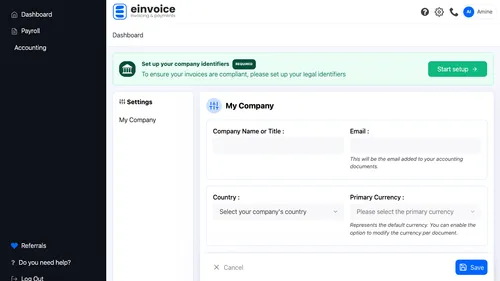
6 Start the Setup Your account is active. Click Start setup — the assistant takes you straight to the first configuration steps. ▾ ▶ 1:07
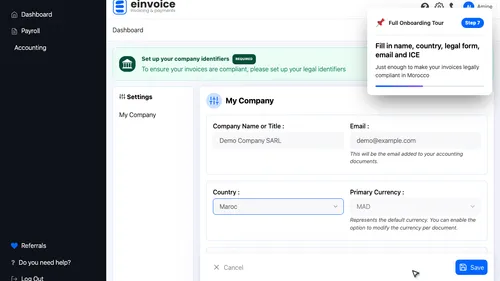
7 Your Business, in Five Fields Five essential fields: your company name, country, legal form — LLC in our example — your email, and your I.C.E. That is all it takes to issue a first invoice. ▾ ▶ 1:15
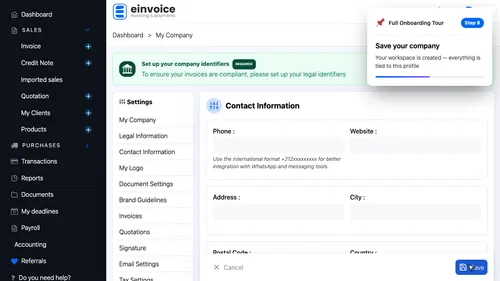
8 Save and Go Live Save your company. Your full workspace unlocks straight away — invoices, quotations and clients all appear in the menu. ▾ ▶ 1:37
9 Your Workspace Is Live Your workspace is live. Invoices, quotations, clients, products — the full menu is there, no page reload needed. ▾ ▶ 1:46
10 Your Official Numbers Your official numbers. Enter your tax I.F., trade register R.C., C.N.S.S. and Patente. These four identifiers print on every invoice you send. ▾ ▶ 1:55
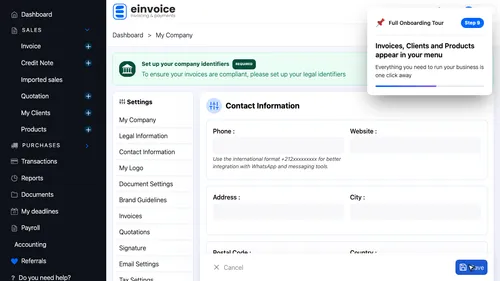
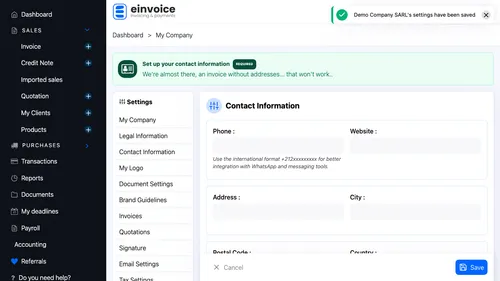
11 How to Reach You Your professional contact details. Phone number, address and postal code — everything your clients need to find you. ▾ ▶ 2:09
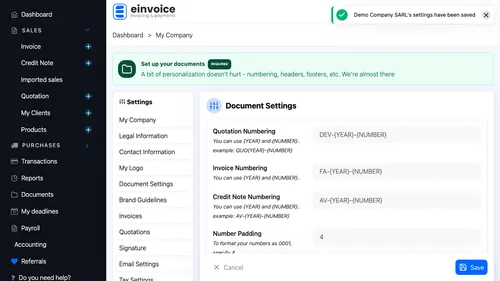
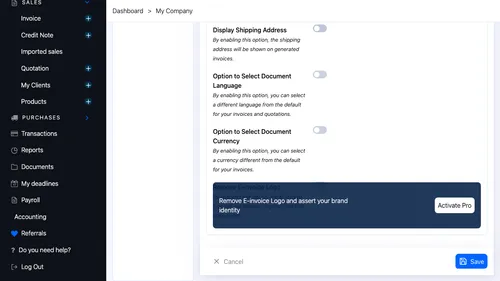
12 Numbering and Layout Document numbering and layout. Set the format, language and structural elements that frame every document you issue. ▾ ▶ 2:24
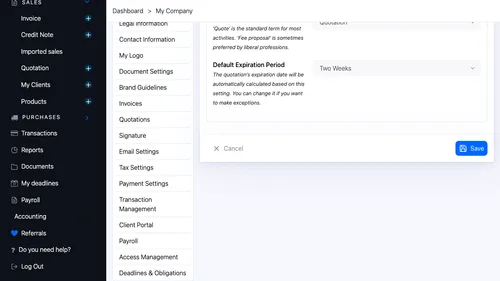
13 Your Quotations Quotation settings. Validity period, document label and email template — customise every detail. ▾ ▶ 2:33
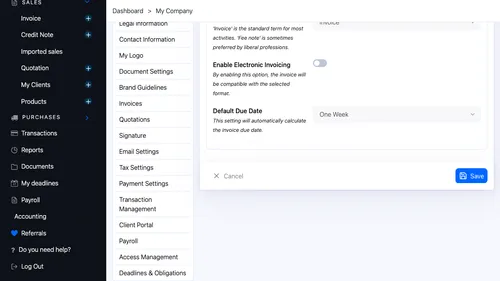
14 Your Invoices Invoice settings. Document type and default payment deadline — adjust them to match your sector. ▾ ▶ 2:41
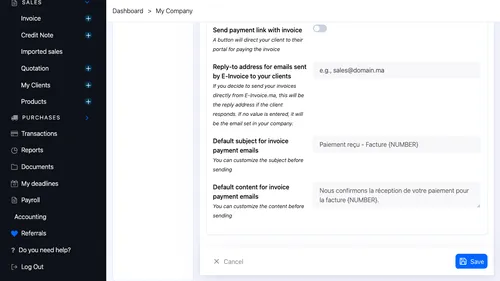
15 Emails to Your Clients Emails sent to your clients. Personalise the subject and message for each document type you send. ▾ ▶ 2:48
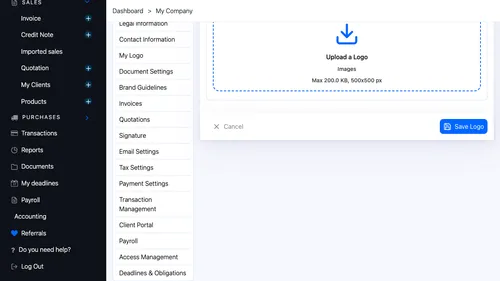
16 Logo and Signature Your logo and signature. Upload a header image and place your stamp at the bottom of every generated document. ▾ ▶ 2:55