Accounting 1:16
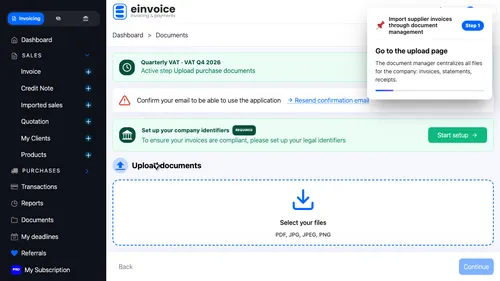
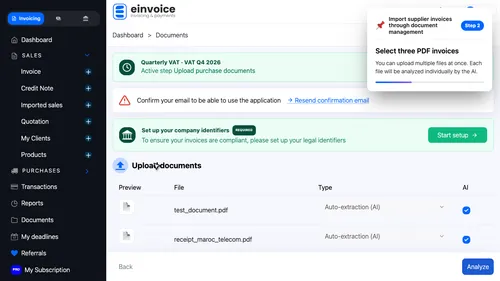
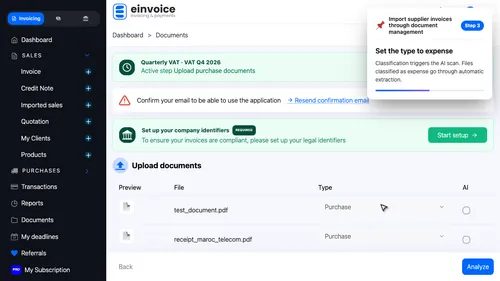
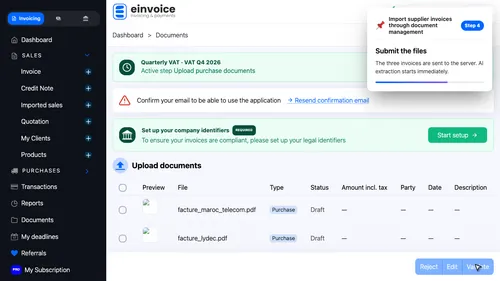
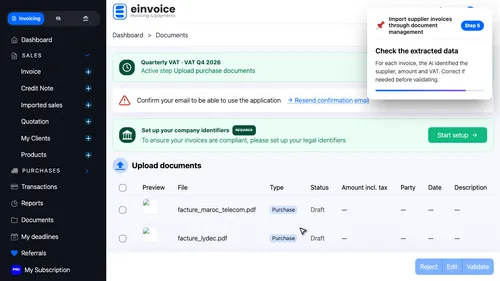
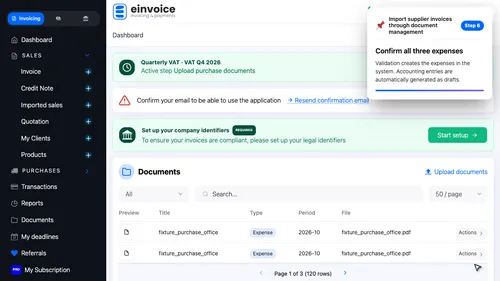
From PDF to draft entries in one click. Upload your purchase invoices to the document manager. AI identifies the supplier, amount and VAT — accounting entries appear as drafts.
AI at work. The AI reads each invoice: supplier, net amount, V-A-T rate and date. A few seconds is all it takes.