Premium Features 2:27

Import and classify documents

Document import. Learn how to import files, classify them by type, and review them before validation.
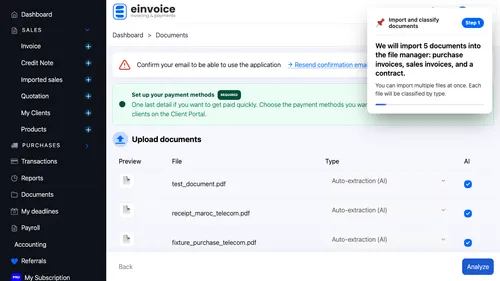
We will import 5 documents into the file manager: purchase invoices, sales invoices, and a contract
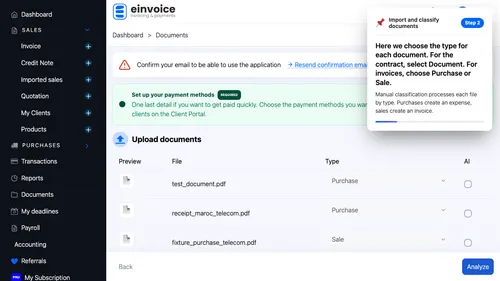
Here we choose the type for each document
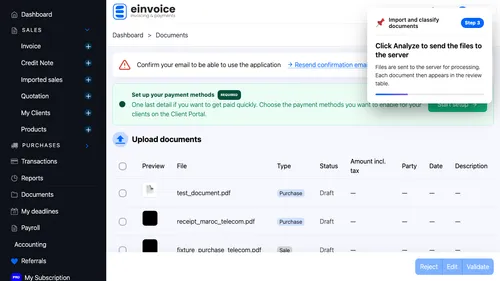
Click Analyze to send the files to the server
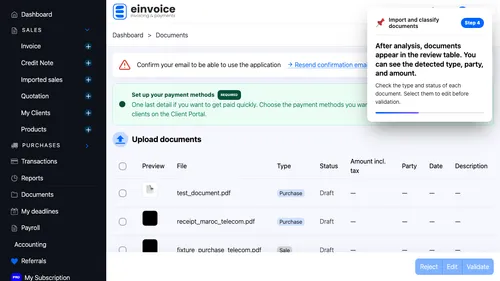
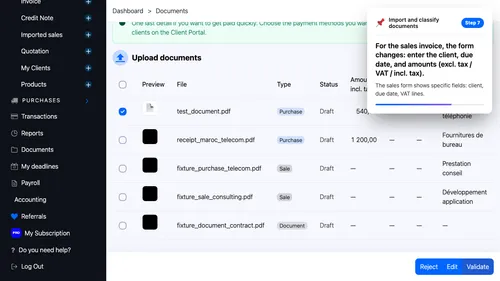
After analysis, documents appear in the review table
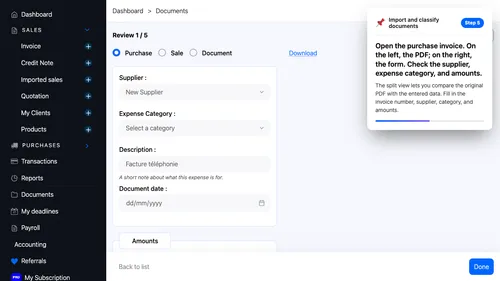
Open the purchase invoice
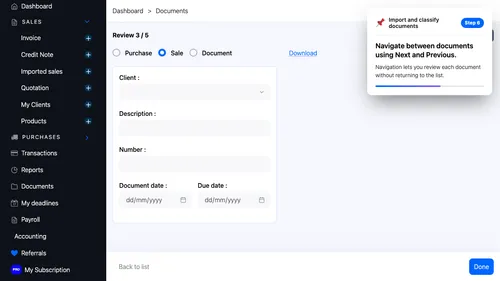
Navigate between documents using Next and Previous
For the sales invoice, the form changes: enter the client, due date, and amounts (excl
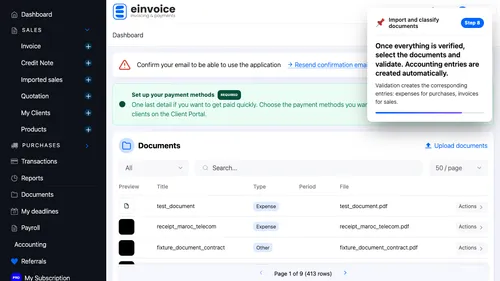
Once everything is verified, select the documents and validate
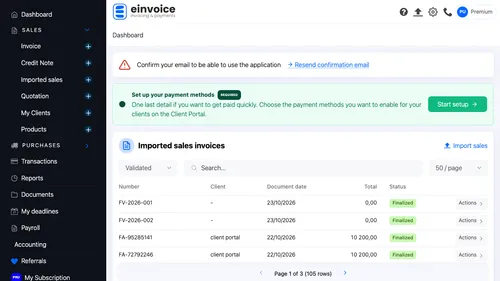
Let's go to the sales invoice list to verify the created invoices appear there
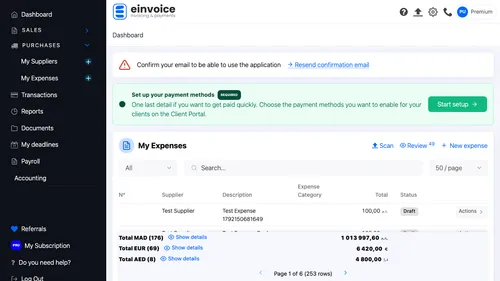
Let's go to the expenses list to verify the imported purchases appear there